
From executed contract to closed file, automatically.
myTC replaces the spreadsheets, sticky notes, and follow-up emails with a single automated workflow purpose-built for real estate transactions, and turns every deal into a secure document file that outlives the closing.
- Step 01
Upload the executed purchase agreement
Send myTC the fully executed PDF from DocuSign, dotloop, Skyslope, or your inbox. myTC accepts standard C.A.R. and MLS forms.
- Step 02
myTC reviews and extracts transaction details
Every party, date, price, contingency, and required disclosure is parsed with human-level accuracy.
- Step 03
myTC creates the timeline and compliance checklist
A personalized transaction plan is generated: every milestone, every required document, every party notification.
- Step 04
myTC monitors documents, signatures, contingencies, milestones
myTC keeps watch 24/7. Missing initials, upcoming deadlines, and compliance gaps surface before they become problems.
- Step 05
Broker, agent, and TC remain informed through closing
Automated status updates, calendar invites, and reminders keep everyone aligned without a single follow-up email.
- Step 06
The transaction becomes a secure myTC document file
At Close of Escrow, every document is organized into a permanent, searchable, audit-ready file.
A secure digital transaction file for every deal.
Every transaction in myTC automatically becomes a secure digital file, accessible by the broker during the transaction and for 30 days after Close of Escrow. Here is what happens to that file at each stage.
During the transaction
Every document, disclosure, and signature is captured, organized, and available to the agent, TC, and broker in real time.
30 days after COE
Files remain fully accessible at no additional cost for 30 days after Close of Escrow, plenty of time for post-closing needs.
Long-term storage
Optional long-term storage for 3 years or longer, with brokerage-wide search, audit trails, and DRE audit support.
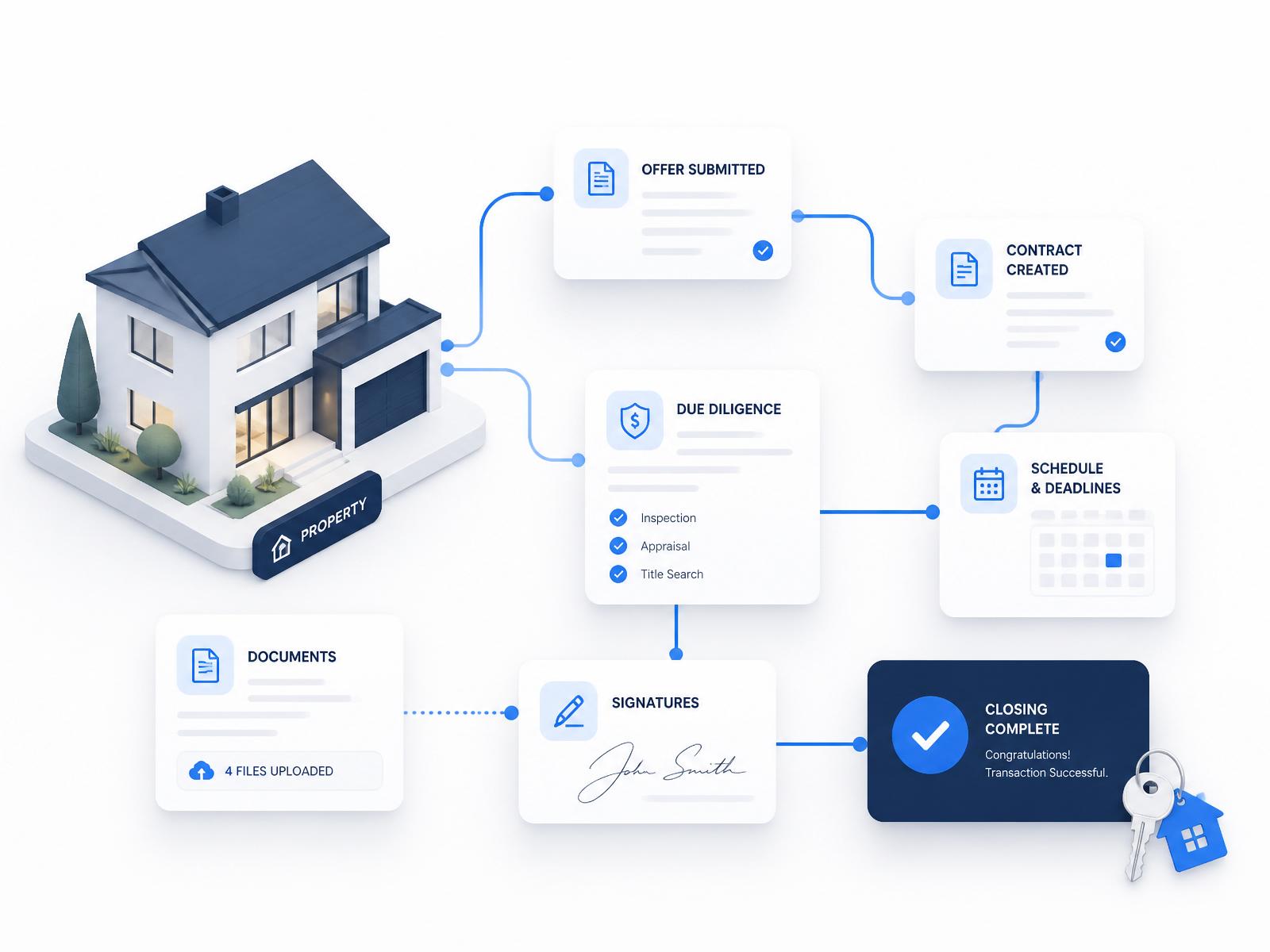
A Smart Operating System for the entire transaction.
myTC connects contract intelligence, timelines, communication, and secure storage in one continuous system.
Ready to close deals faster?
myTC is invitation only, currently open to Transaction Coordinators and brokerages. Book a demo to request your invite.